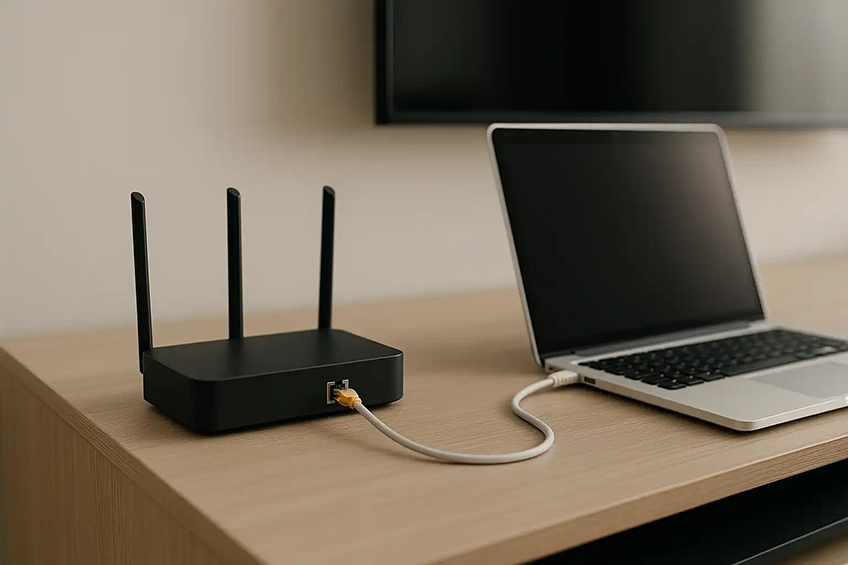
Fast, reliable Wi-Fi where you actually need it
We set up and optimise home and small-business networks — from improving Wi-Fi coverage and speeds to configuring mesh systems, access points and neat wired connections for devices that need stability.
What we do
- Router/modem setup (SSID, passwords, guest networks)
- Mesh Wi-Fi systems & access point placement
- Channel, bandwidth & band-steering optimisation (2.4/5/6 GHz where supported)
- Fix double-NAT, DHCP scope & IP reservation tidies
- Printer & NAS sharing, basic parental controls
- Smart-home devices that prefer 2.4 GHz
Wired & layout tidies
- Small Ethernet runs & patch leads (surface trunking)
- Switch setup & cable-management tidy-ups
- Access point mounting where power exists
- Outbuilding/garden office links (subject to route & hardware)
- Advice on hardware upgrades (you supply or we can source)
Before we visit
- Tell us your ISP (BT, Virgin, Sky, etc.) and current router model.
- Rough property layout & where coverage is poor (e.g., loft, garden office).
- Any existing kit (extenders, mesh, switches) and what must stay.
- Your admin/ISP login details available on the day (we can’t access accounts without you).
Notes & limits: We don’t alter mains electrics. Longer/hidden cable routes or external works
may require additional time/parts or a site check. We don’t manage complex enterprise networks — for that we’ll recommend a specialist.
FAQs
Yes. We can optimise most ISP routers and, where helpful, add a mesh system or access points.
If your router supports modem/bridge mode, we’ll configure that to avoid double-NAT issues.
Usually, yes — with correct placement and backhaul. We’ll advise on whether wireless, Ethernet or powerline backhaul
is best for your layout and internet speed.
Yes. We can create a temporary 2.4 GHz-only SSID or adjust band steering so IoT devices can join reliably,
then restore normal settings afterwards if preferred.
Only if we have to change router or PPPoE settings. You remain present while we access settings and you can change credentials afterwards.
Often yes. Options include Ethernet backhaul, point-to-point wireless, or powerline (site-dependent). We’ll recommend the most reliable method for your distance and construction.
Get a fast quote
Tell us your ISP, router model and where coverage is poor. Photos help.
Helpful photos: current router location & cabling, the rooms with poor signal, and any existing access points or extenders.