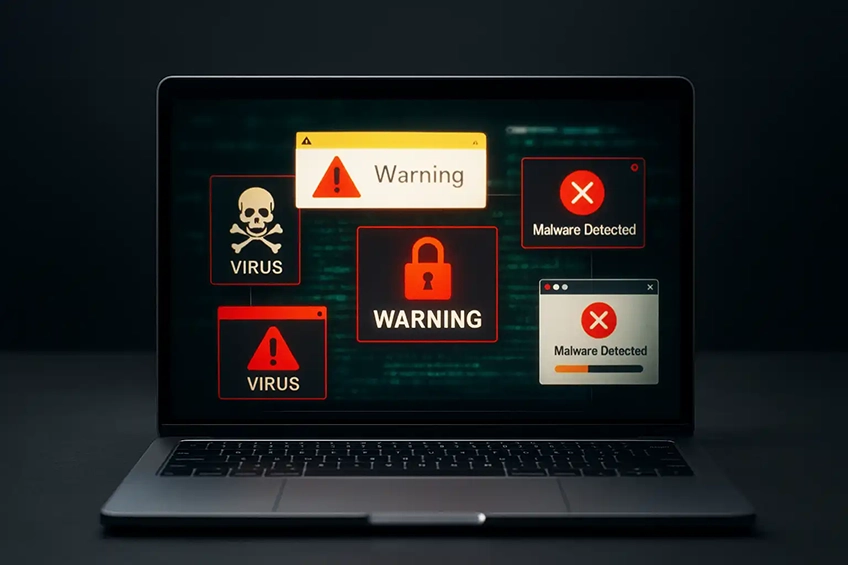
Remove infections. Restore performance. Lock it down.
We clean Windows and macOS systems affected by malware, PUPs/adware, rogue extensions and scareware pop-ups. After removal, we apply sensible hardening so your device stays fast and secure.
What we do
- Identify & remove malware, adware and unwanted apps
- Browser reset: extensions, search hijacks, notifications
- Startup/services tidy & scheduled task clean-up
- OS updates, driver updates & store/app updates
- Network, DNS & proxy checks (undo tampering)
- Post-fix hardening & basic security tooling
Aftercare & prevention
- Set up reputable protection & smart scanning
- Password hygiene review & enable 2FA where possible
- Backup strategy (external/NAS/cloud)
- Restore points / recovery media guidance
- Safe-browsing tips tailored to your setup
Before we visit
- Note symptoms (pop-ups, redirects, slowdowns) and any error messages.
- Have logins ready (device accounts, Apple ID/Microsoft account) and your 2FA device.
- Bring the charger (laptops) and any peripherals that show the issue.
- If you can, make a quick backup of important files — we can help with this if needed.
Limits & data: We don’t perform advanced forensics, decrypt ransomware or recover data from failing
drives. If encryption/ransomware is present, we’ll isolate the device, preserve what we can, and recommend the safest recovery path
(usually restoring from a clean backup).
FAQs
Our aim is to remove the infection without touching your documents and photos. If system damage is severe,
we’ll discuss options (backup first, then repair or clean reinstall) before proceeding.
We remove the malware and secure the system, but ransomware decryption is rarely possible without backups.
We’ll help you assess backups and rebuild safely; we don’t recommend paying ransoms.
Yes — we can set up reputable protection, configure sensible settings, and schedule scans/updates. We’ll avoid
heavy, naggy utilities that slow your machine down.
For pop-ups and light infections, remote help can work. For deeper infections or if the machine is unusable,
on-site or pickup is best so we can work offline if needed.
We’ll recommend changing important passwords after clean-up (email, banking, Apple/Microsoft). We can guide you through
enabling 2FA and setting a password manager if you’d like.
Get a fast quote
Tell us the symptoms and any error pop-ups you’ve seen. Photos help.
Helpful extras: screenshots of pop-ups, your antivirus status, and whether other devices on your network are affected.