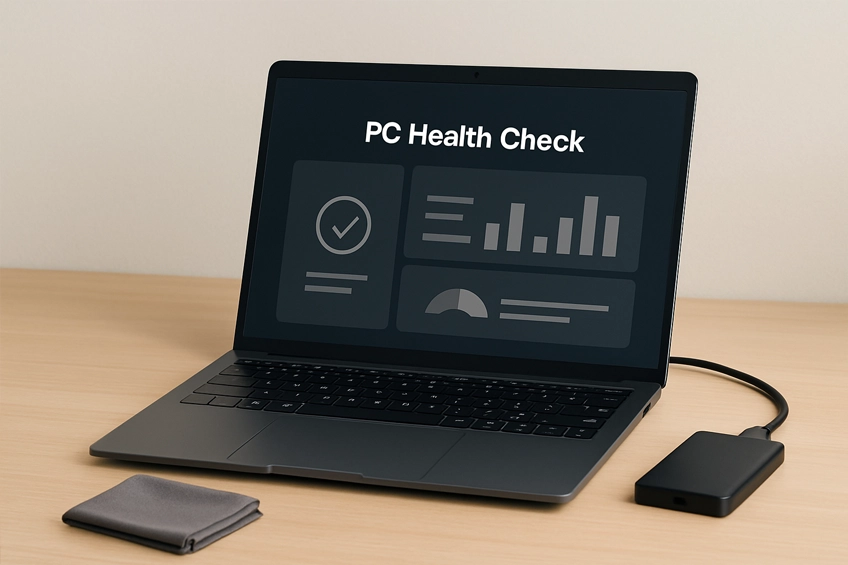
Speed up, clean up and keep your computer running smoothly
Our PC Health Check service gives your Windows PC or Mac a thorough tune-up: performance diagnostics, malware/adware checks, OS & driver updates, storage cleanup, SMART disk health, temperature/thermal checks, and startup optimisation. Ideal for computers that feel slow, run hot, or throw occasional errors.
What we do
- Performance diagnostics & health report
- OS updates (Windows/macOS) & essential drivers
- Startup cleanup & background app review
- Malware/adware scans and removal guidance
- Disk health check (SMART), free-space & cleanup
- Thermal checks: temps/fans, dust inspection and tidy*
*Light dust clean where accessible; deep strip-down by assessment.
Optional add-ons
- SSD & RAM upgrade recommendations
- Backup setup (local/NAS/cloud) and scheduling
- Browser hardening & ad/tracker controls
- App housekeeping & licence tidy
- Battery health check (laptops)
Before we visit
- Have your charger and (if used) any USB accessories available.
- Know your login/admin password so we can perform updates.
- If BitLocker/FileVault is enabled, keep your recovery key handy (just in case).
- Back up anything critical. We treat data carefully, but backups are always wise.
Notes & limits: We don’t perform board-level repairs or liquid damage recovery.
Advanced data recovery and complex corporate domain issues are scoped separately.
FAQs
Most checks complete within 1–2 hours depending on update sizes, disk speed and malware scans. We’ll advise if anything needs extra time.
No — this is maintenance, not a reinstall. We always recommend you have a current backup before any work, just in case updates require reboots or repairs.
The check will remove software bottlenecks and confirm hardware health. If the disk is old or RAM is low, we’ll recommend upgrades for a bigger speed boost.
Yes — we support both macOS and Windows for health checks, updates and cleanup.
Absolutely — we can recommend sensible antivirus and set up scheduled backups to an external drive or NAS/cloud, depending on your needs.
Book a PC Health Check
Tell us your device and what’s running slow or getting hot.
Helpful photos: any error messages, Task Manager/Activity Monitor screenshots, and the device label/model.