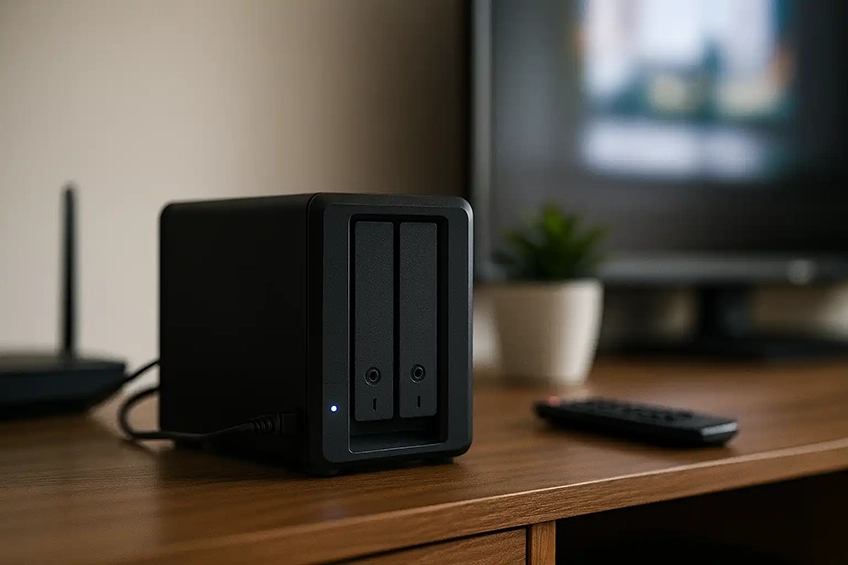
Central storage, backups and secure remote access
We set up Network Attached Storage (NAS) for homes and small businesses in Cambridge — ideal for shared documents, media, CCTV footage and automated backups. We can install and configure popular systems like Synology or QNAP, create user accounts and map drives on your PCs/Macs.
What we can set up
- New NAS install (Synology, QNAP or similar)
- Shared folders for household or staff
- User accounts, passwords & access rights
- PC/Mac mapped drives & Time Machine targets
- Automated backups (local/NAS-to-NAS/external)
- Media/photo/CCTV storage folders
Networking & security
- Connect to your existing router/VLAN/Wi-Fi
- Remote access (QuickConnect/DDNS/VPN, model-dependent)
- 2-factor auth & admin lockdown
- Health checks, SMART status & alerts
- UPS recommendations for power cuts
Before we visit
- Tell us the NAS model (or which you plan to buy).
- Confirm your Internet provider/router and where the NAS will live.
- Let us know how many users/devices need access.
- Have your PCs/Macs on site so we can map the shares.
Notes: We focus on small/home office setups. Complex AD/LDAP, multi-site replication or large CCTV storage
can be scoped separately.
FAQs
Usually yes — we can enable QuickConnect, DDNS or a VPN approach depending on your router and ISP. We’ll pick the safest option available in your setup.
Yes — we can configure the NAS to back up your computers or back itself up to an external drive/cloud/NAS-to-NAS (if supported by your model).
Yes — we can copy data across and organise folders. Large datasets may take longer to transfer; we’ll tell you if it’s better to run overnight.
We can create storage targets for compatible cameras/NVRs and help point them at the NAS. Brand-specific licences or CCTV apps are handled case-by-case.
We can set up basic RAID levels your NAS supports and enable health alerts. RAID is not a backup, so we’ll still recommend an external/remote backup.
Get a NAS setup quote
Tell us your NAS model, router and how many users you have.
Helpful photos: the back of your NAS, your router, and the spot where the NAS will live.