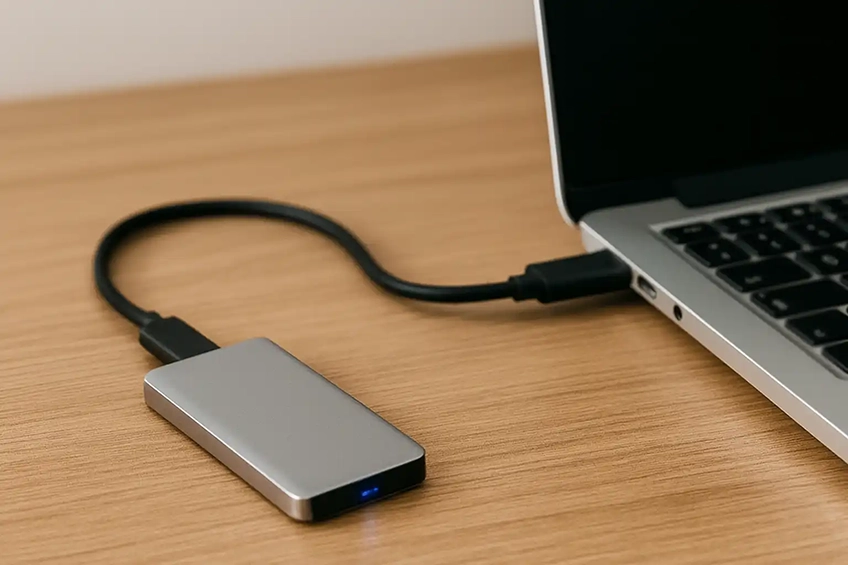
Safe moves. Solid backups. Peace of mind.
Upgrading or replacing a computer? We’ll migrate your data cleanly and set up a reliable backup so your files are protected. We work with Windows and macOS, keeping your folder structure intact and verifying important copies.
What we transfer
- Documents, Photos, Videos & Downloads
- User profiles, desktop & common libraries
- Email data (Outlook PST/OST, Apple Mail*), contacts & calendars*
- Browser bookmarks/password export (where supported)
- Light app data & settings (when exportable)
- From old PC/Mac to new PC/Mac or external drive
*App/platform-dependent; we’ll confirm what’s possible for your setup.
Backup options
- External USB drive backups (scheduled)
- Network/NAS backups for households & SOHO
- Cloud backup guidance (OneDrive/Google Drive/iCloud/Dropbox)
- Hybrid strategies (local + cloud)
- Basic restore tests so you know it works
Before we visit
- Have logins and unlock PINs/passwords available (including Apple ID/Microsoft account if used).
- Bring/prepare the chargers and ensure both machines can power on.
- Confirm there’s enough free space on the destination device or provide an external drive.
- Know your two-factor authentication method (phone/SMS/app) so we can re-sign into services.
Data safety & limits: We don’t perform clean-room recovery or board-level repair. If a drive shows
signs of failure, we’ll pause and recommend a specialist. Encrypted devices (BitLocker/FileVault) require your keys/passwords.
Some apps can’t be migrated and must be reinstalled/re-activated.
FAQs
Files and many settings transfer cleanly. Most applications are best reinstalled on the new machine; we’ll help with licenses and sign-ins where needed.
Yes — we preserve your user folders and layout. For photo libraries (e.g., Photos/iPhoto/Lightroom), we keep the library packages intact where possible.
Often yes. We can export/import Outlook PST files, connect IMAP accounts, and assist Apple Mail where supported.
For managed business email (Microsoft 365/Google Workspace), we’ll help you sign back in and sync.
Local drives are fast and inexpensive; cloud adds off-site protection and version history. Many people use both for a resilient “3-2-1” approach (3 copies, 2 media, 1 off-site).
We’ll assess condition first. If the drive still mounts, we can attempt a cautious copy. If it shows failure symptoms, we’ll stop and refer to a data-recovery specialist to avoid further damage.
Get a fast quote
Tell us the source & destination devices and roughly what needs moving.
Helpful extras: photos of the old desktop folders, the external drive (if you have one), and any error messages.