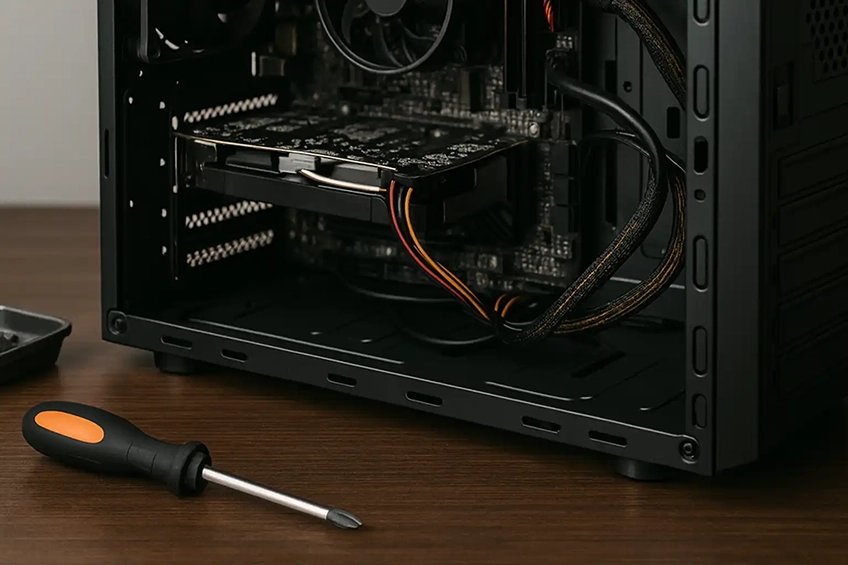
Practical fixes, honest advice
We repair and optimise Windows PCs and Macs for home and small-business users — from slow machines and failed updates to noisy fans, storage failures and malware. Where upgrades make sense (like SSDs and RAM), we’ll recommend them and migrate your data cleanly.
What we fix
- Slow performance, boot loops & failed updates
- Blue screens / kernel panics, app crashes
- Wi-Fi, Bluetooth, printer & peripheral issues
- Malware/PUA removal & browser clean-ups
- Overheating, loud fans & thermal throttling
- PSU/fan/HDD/SSD swaps & basic part failures
- Battery/keyboard/trackpad replacements (model-dependent)
Upgrades & services
- SSD upgrades & data migration from HDD
- RAM upgrades & health checks
- Clean OS reinstall with driver/updates
- Data transfer to new PC/Mac or external drive
- Internal dust clean & new thermal paste (where applicable)
- Basic backup setup (external/NAS/cloud guidance)
Before we visit
- Share the make/model (e.g., Dell XPS 13 9310 / iMac 2017) and OS version if known.
- Have the charger available (laptops) and any peripherals showing issues.
- If we’ll need to sign in, please be present or have credentials ready; we won’t bypass account security.
- Back up anything critical if you can; we can help with this on arrival if needed.
Limits & data: We don’t do board-level microsoldering or liquid-damage logic repairs. Advanced
data recovery (clean-room) isn’t offered; if a drive is failing, we’ll stop and recommend a specialist. We handle
your data carefully, but we always recommend having a current backup.
FAQs
Often yes. An SSD upgrade plus a clean OS install and RAM check usually delivers the biggest improvement on older machines.
Our goal is to preserve your data. We’ll agree a plan (backup/migration) before any reinstall. If a drive is failing,
we’ll pause and discuss recovery options first.
Yes — software issues, tune-ups, many SSD/RAM upgrades (model-dependent), fans and some batteries/keyboards. For glued-in or proprietary parts,
we’ll advise feasibility and cost first.
Yes — we clean malware/PUAs, reset browsers, update OS and drivers, and install reputable protection on request.
We can work on-site for many issues. For longer tasks (e.g., full reinstall, data migration) we can take the machine away and return it once complete.
Get a fast quote
Tell us the make/model, the problem, and any errors you’ve seen.
Helpful extras: a photo of any error message, the service tag/serial, and whether you have BitLocker/FileVault enabled.